Quick answer: a good smart lock is as safe as a good regular deadbolt, and in one way it is safer: you stop handing out keys you can never get back. Most burglars who come in through a door use force, kicking it or prying it, not picking a lock or hacking an app. So what keeps you safe is the same as with any lock: a solid deadbolt, a strike plate screwed into the door frame, and an installation that lets the bolt throw all the way. Pick a lock with a strong deadbolt, use codes nobody can guess, and have it fitted to your door properly.
What counts as a smart lock
“Smart lock” covers a few different things, and the difference matters when you shop:
- Keypad deadbolt. You open it with a code. No app, no Wi-Fi. Simple, reliable and a popular first upgrade.
- Bluetooth lock. Opens from your phone when you are standing at the door, usually with a keypad as well.
- Wi-Fi lock. Lets you lock, unlock and check the door from anywhere, send alerts and keep a log of who came in and when. Some models need a small bridge plugged in near the door.
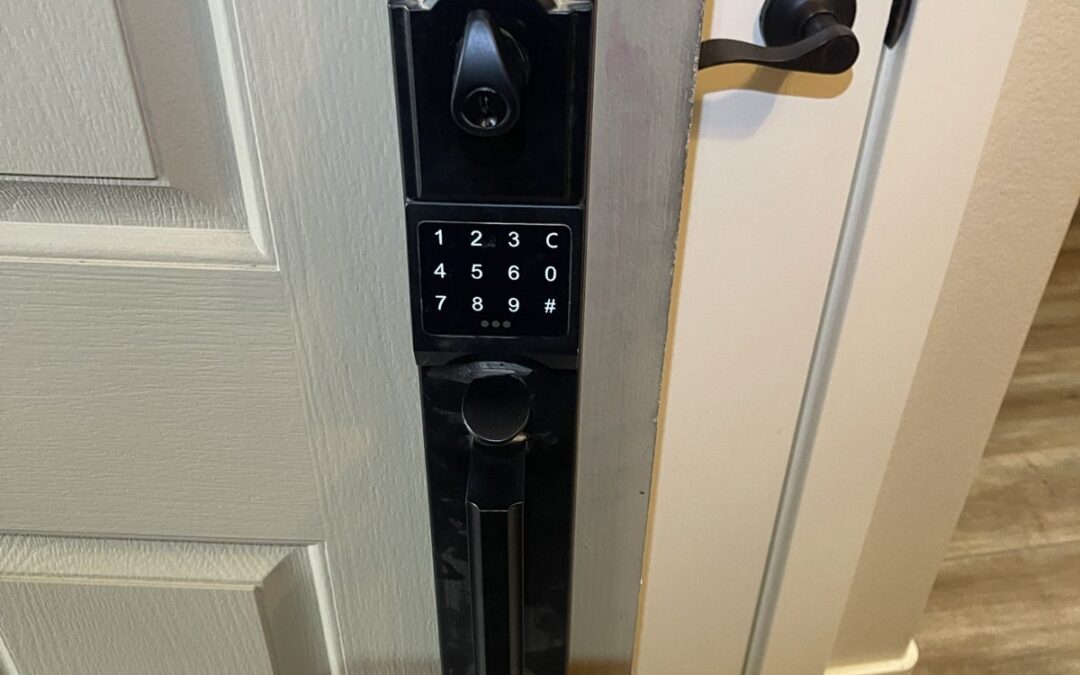
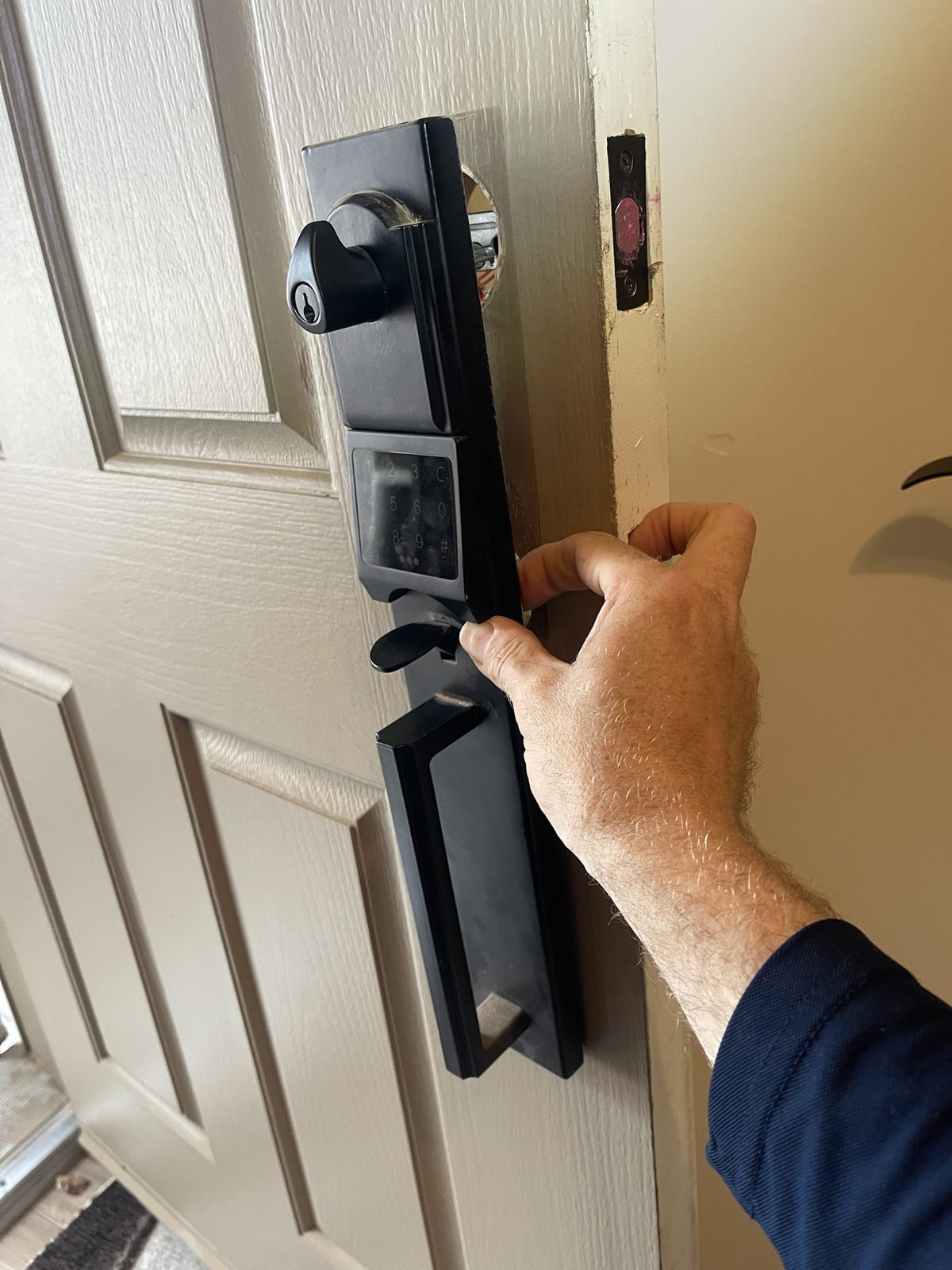
- Keypad handleset. A full front-door set with the grip handle, deadbolt and keypad together, for doors that use a handleset instead of a knob.
- Fingerprint lock. Reads a fingerprint instead of a code. Handy for kids, as long as you keep a code or key as backup.
Most smart locks still have a regular key cylinder as a backup, so you are never locked out just because a battery died.
Are smart locks safe? Two kinds of safety
Physical security
A smart lock is still a deadbolt. What stops a door from being kicked in is the bolt, how far it goes into the frame, and the strike plate it locks into. Look for a lock with a strong deadbolt rating (ANSI/BHMA Grade 1 or 2 is what you want on a front door), make sure the bolt goes all the way out when it locks, and use a strike plate with long screws that reach the framing behind the door jamb, not just the trim. A great keypad on a weak door frame is still a weak door.
Digital security
Hacking a smart lock is far less common than people fear, but a few habits close the gaps:
- Use codes nobody can guess. Skip birthdays, addresses and 1234.
- Give each person their own code, and delete a code when a contractor, cleaner or tenant is done.
- Turn on auto-lock, so the door locks itself if someone forgets.
- For Wi-Fi locks, protect the app account with a strong password and two-step login, and keep the app updated.
Smart lock vs. a regular deadbolt
| Smart or keypad lock | Regular deadbolt | |
|---|---|---|
| Keys to manage | Codes you can add and delete any time | Physical keys you cannot take back |
| Letting someone in | Temporary code, or unlock from your phone (Wi-Fi models) | Hide a key or be there |
| Forgot to lock? | Auto-lock does it for you | Door stays unlocked |
| Who came in | Many models keep a log | No record |
| Power | Batteries, usually changed every several months to a year | None needed |
| Cost | Higher up front | Lower |
Phoenix heat and smart locks
Two things are worth knowing here. First, a keypad that faces the afternoon sun gets very hot in summer. Check the operating temperature range on the box before you buy, and change batteries as soon as the low-battery warning shows up instead of waiting for the lock to quit. Second, doors and frames shift a little with the seasons. If the deadbolt starts rubbing on the strike, the motor has to work harder, batteries drain faster and the lock can jam. If your smart lock suddenly needs fresh batteries every few weeks, the door alignment is usually the reason, not the lock.
Who gets the most out of a smart lock
- Families with kids who lose keys or get home before the parents do.
- Landlords and short-term rental hosts who need to change access between tenants or guests without rekeying every time.
- Anyone who lets in contractors, cleaners or dog walkers and wants to stop hiding a key under the mat.
- Older parents, where a family member may need to get in quickly.
The installation matters more than the brand
A lot of smart lock problems are really installation problems: a bolt that rubs, a door that does not line up, a lock that only works if you push the door just right. When we install a smart lock, we check the door first, fit the lock to it, adjust the strike so the bolt moves freely, then set up the codes and test it with you before we leave. We install Schlage, Kwikset, Yale and other brands, either a lock we supply or one you already bought. See our smart lock installation page for details, or read about your other front door lock options.
Frequently asked questions
Can smart locks be hacked?
It is possible but rare, and a forced door is a far more common risk. Use unique codes, delete old ones, protect the app account with a strong password and two-step login, and keep the app updated. A keypad deadbolt with no Wi-Fi at all cannot be reached over the internet.
Do smart locks work without Wi-Fi?
Yes. Keypad and Bluetooth locks work without Wi-Fi. Only the remote features, like unlocking from away and getting alerts, need a Wi-Fi connection or a bridge.
What happens if the batteries die?
Most locks warn you well before that happens. If it does die, most models have a backup key cylinder, and many let you power the keypad from outside with a battery so you can enter your code.
Can a smart lock go on any door?
Most standard residential doors take a smart deadbolt without new holes. Handlesets and some thicker or older doors may need extra drilling or adjustment. We check the door before we start.
Do I need a locksmith to install one?
Many people install a basic keypad deadbolt themselves. Call a locksmith when the bolt rubs or will not throw fully, when you are switching to a handleset, or when you want every door on one key and the smart lock set up and tested properly.
Thinking about a smart lock in the Valley? Call or text (602) 301-5243. Tell us about your door and the lock you want, and we will give you the price before we drive out.